01
Draw the footprint.
Draw a closed rectangle. Start with the footprint of your space.
3D modeling for
Android tablets.
Draw a line. Pull it into a wall. Model with the pen already in your hand.
In development · Android + S Pen
Try the prototypeFor interiors, spaces & objects.
Being built by a solo founder in Istanbul.
Live 3D needs WebGL. The workflow illustrations below show the same sequence.
Drag to orbit · scroll to zoom
Illustrative 3D preview, not the CAD editor. See the real prototype below.
The current prototype: draw a profile, enter exact dimensions, pull a solid and export an STL.
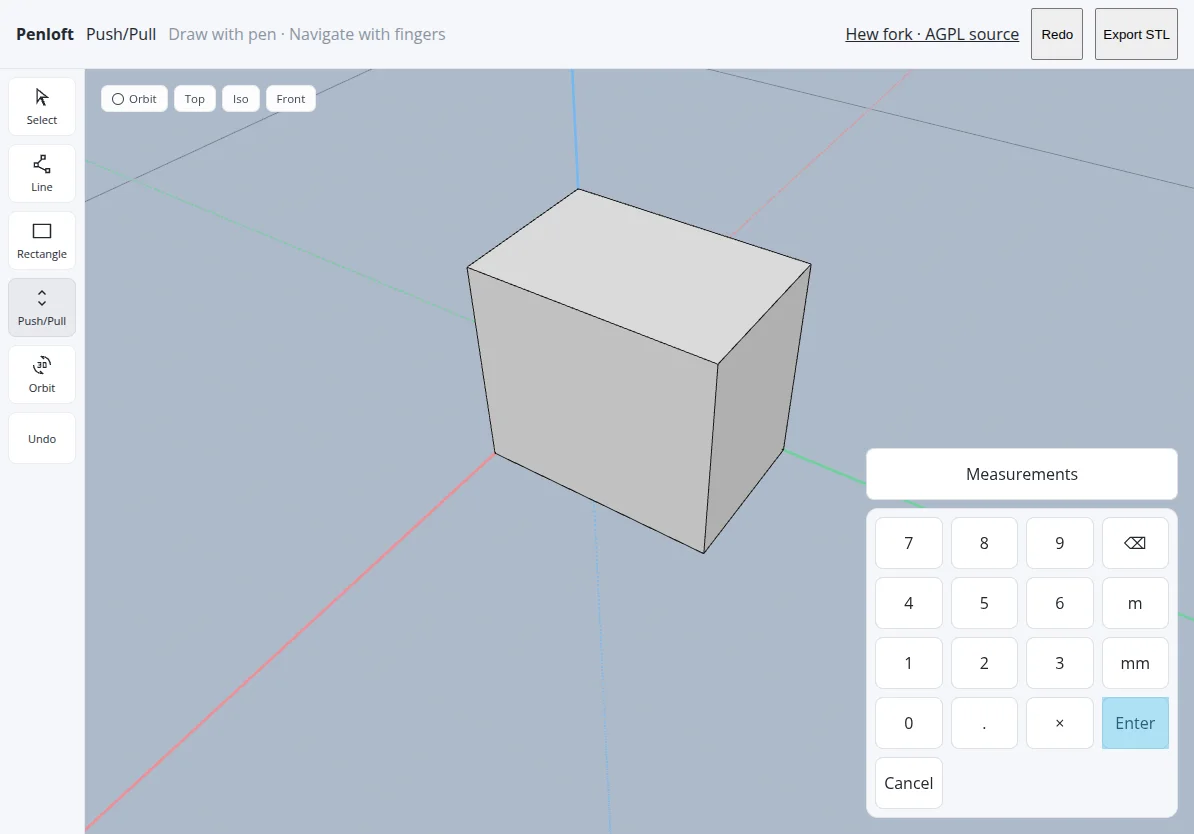
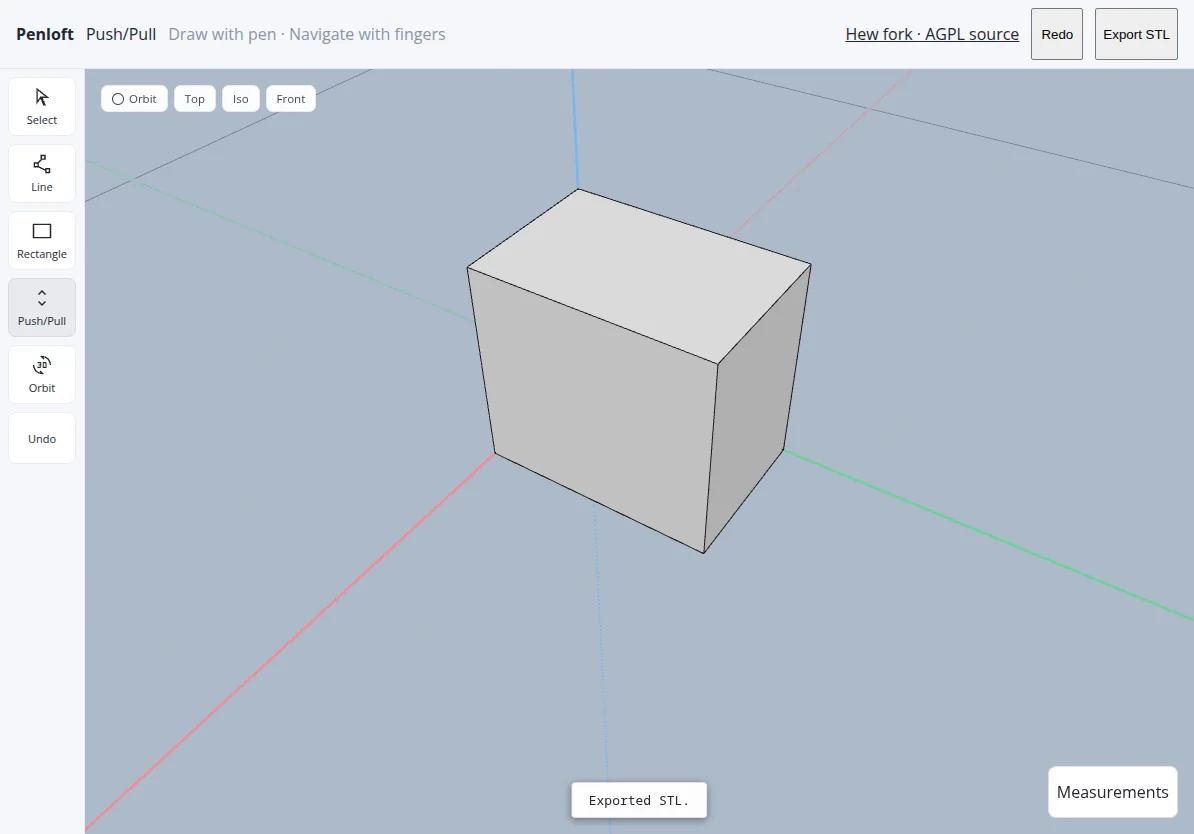
Real prototype, tablet emulation, 8 Oct 2026. Export verified on a 2 × 3 × 2.7 m watertight solid. Not a physical S Pen device test.
Inspect the open-source prototypeDraw. Measure. Pull. Open.
Illustrative workflow. The current prototype draws and extrudes solids.
Draw a closed rectangle. Start with the footprint of your space.
Type 3.20 m or 3200 mm. Give your drawing an exact dimension.
Lift a face into a volume. Turn it around and inspect it.
Cut an opening. Orbit to see the room come together.
Two kinds of input.
One uninterrupted train of thought.
Pen/touch input separation and palm rejection are implemented in the prototype. Real S Pen hardware testing is still ahead.
Penloft starts with the Android tablet you already use, and the spaces you want to make.
SketchUp for iPad and Shapr3D bring modeling to tablets, but not Android. Penloft focuses on that missing pen-first workflow.
SketchUp retired its Android Viewer on 29 August 2025. It was a viewer, not a modeling editor. Read the notice.
Other 3D tools exist on Android. Our focus is narrower: a stylus-first, measured push/pull workflow. Platform sources checked 8 October 2026.
Built on Hew, the open-source solids modeler. Penloft adds a pen-and-touch workflow; the geometry foundation is Hew's work.
Explore Hew on GitHubHew: GNU AGPL-3.0-only, with the Hew Plugin API Exception. Penloft's derived core must respect those terms. This page's 3D demo uses Three.js, not the Hew kernel.
“Make this wall 3.2 m.Planned. Not connected or shipping yet.
Add a 90 cm door.”
Work on interiors, rooms or objects with an Android tablet? Help shape what Penloft becomes.
Early development. Open conversation.
Opens your email app. No waitlist counter.
No launch date promised.